
7 Steps To Set Up A Home Network
Search optical fiber, connectivity, cable management and network infrastructure references.
- Steps
- Home
- Network
Articles and technical references
8 on this page-
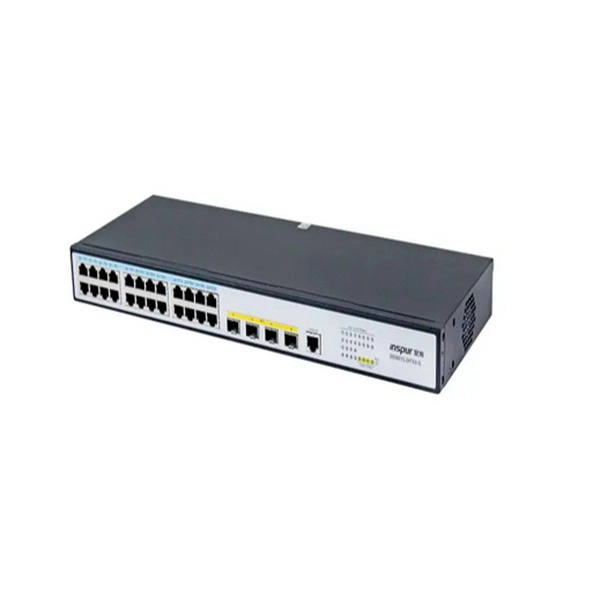
Steps to set up an enterprise network cabinet
This guide provides essential best practices for server rack setup and organization, covering steps for effective installation, cable management, standards compliance, power distribution, cooling methods, and security measures. Network Rack & Cabinet Installation is a...
-
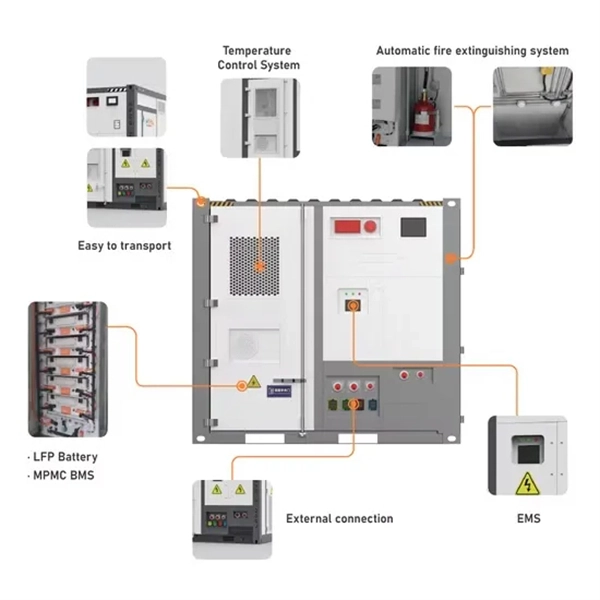
Home Fiber Optic Network Router
Our top overall pick is the Netgear Nighthawk RS700S, a Wi-Fi 7 router built for multi-gig fiber plans that handles up to 200 devices across 3,500 square feet. For budget-conscious households, the TP-Link Archer AX55 delivers reliable Wi-Fi 6 performance without the premium...
[PDF Version]
-
Functions of Home Network Cabinets
Network cabinets are the backbone of modern IT infrastructure — organizing routers, switches, servers and wiring into secure, cool, manageable racks that enable scalability, efficiency, and hardware protection. Whether you're setting up a home office, building a smart home...
[PDF Version]
-
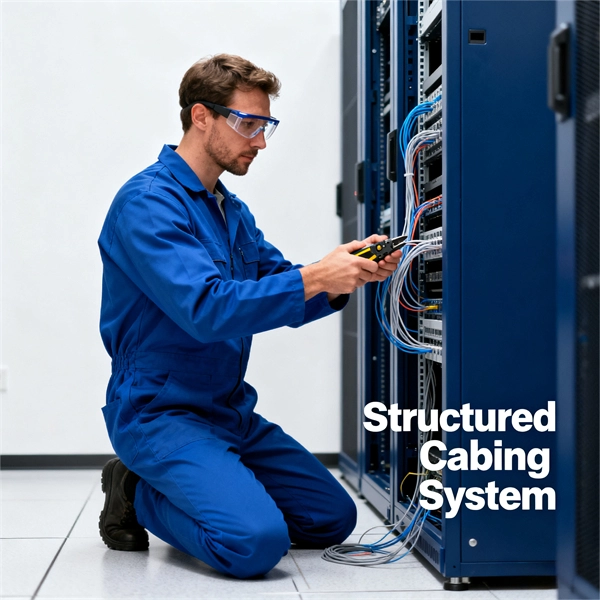
Cleaning dust from home network cabinets
Exterior and Cabinet Top Cleaning: Use a vacuum cleaner or a damp cloth to clean the cabinet top and exterior, as this is one of the areas where dust is most concentrated. Using Compressed Air: This is the most effective method. Common challenges include: Dust and airborne...
[PDF Version]
-
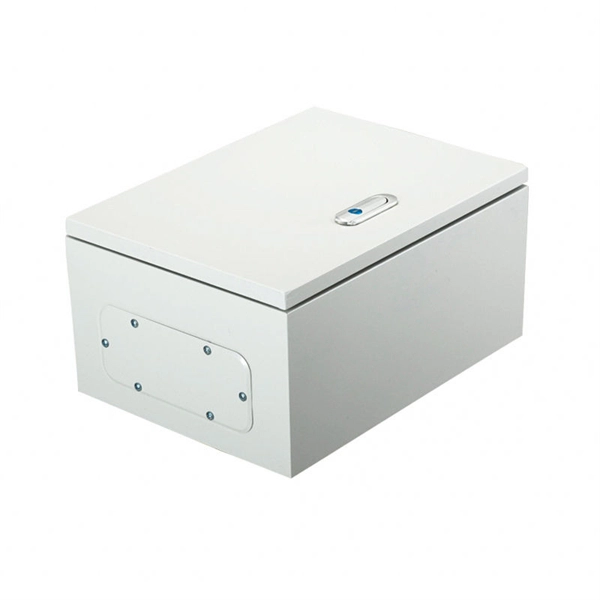
Advantages of Optical Transport Network OTN
What Are the Advantages of OTN Networks? In the OTN network, the seamless integration of optical transmission and electrical processing provides transparent end-to-end connections with enhanced efficiency and ample capacity, making it suitable for long-distance transmission...
[PDF Version]
-
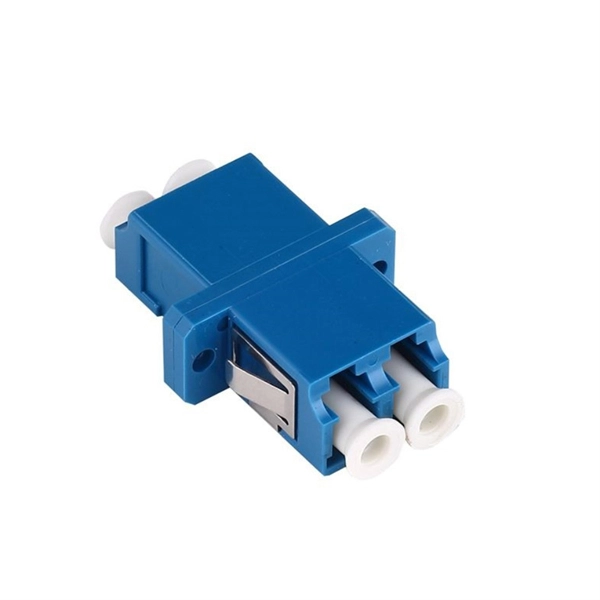
Wiring sequence for integrated network patch panel
Learn the step-by-step network patch panel and keystone jack wiring methods, including essential tools, T568A/B wiring sequences, and tool-free installation tips. Begin by labeling each port on your termination block with the intended destination–switch port, workstation...
[PDF Version]
-
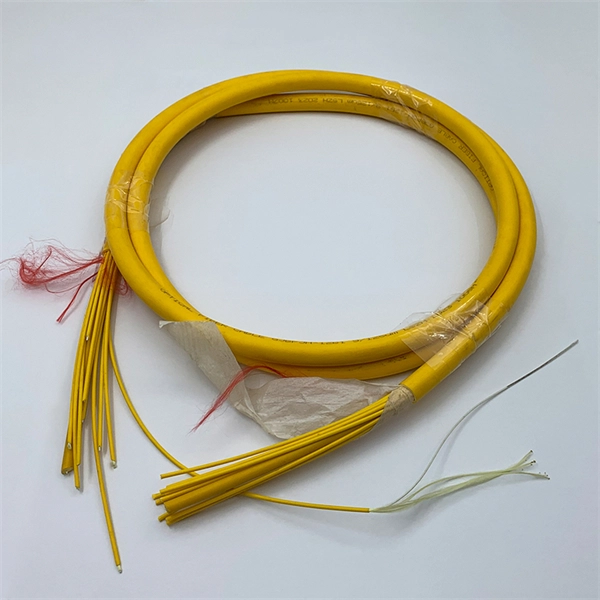
The fiber optic cable can be directly plugged into a home router
The fiber optic cable does not plug directly into a standard home router because the signal type must be translated. The fiber line terminates at the Optical Network Terminal (ONT), which is typically supplied and installed by the internet service provider. Compatible router...
[PDF Version]
-
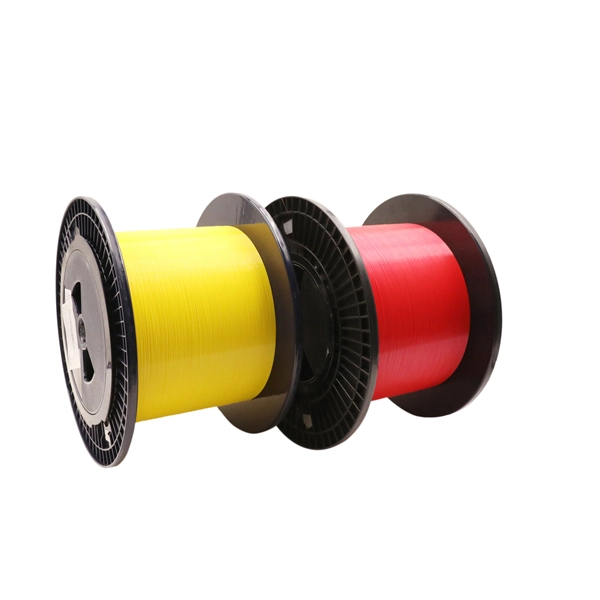
Which is better for home use fiber optic cable or fiber optic cable
Fiber is faster, highly reliable, more durable, and great for cloud-based or real-time work. Cable is cheaper to install and more accessible but can get slower during busy hours due to shared bandwidth and asymmetrical speed. Technically, both can reach 10,000Mbps...
[PDF Version]