
Technical notes
Fiber Internet Installation: Step-by-Step Guide (2026)
Get fiber internet installation done right for your home or business. Enjoy lightning-fast speeds and stable connections with professional setup.
Complete Guide to Fiber Optic Home Networking | BroadbandSearch
Build a home fiber network for 1-2 Gbps speeds with this complete guide to installation, troubleshooting, and performance.
How to Connect Fiber Optic Cable to Router: A Step-by-Step Guide
However, setting up a fiber optic connection to your router can seem daunting if you''re unfamiliar with the process. In this guide, we''ll walk you through how to connect a fiber optic...
How To Configure Router For Fiber Internet: Step-By-Step Guide
How to Configure Router for Fiber Internet: A Step-by-Step Guide Setting up your router for fiber internet might seem challenging at first, but it''s actually quite straightforward. Proper
How to Connect Fiber Optic Cable to Router: Complete Guide 2025
By following this detailed guide, you''ve not only learned how to connect fiber optic cable to router properly but also how to optimize and maintain that connection for peak performance.
Easy Fiber Internet Setup: Your Complete HomeLinkd Guide
Get ready to dive into the world of fiber internet, a cutting-edge technology that uses fiber optic cables instead of traditional copper wires to deliver high-speed wireless internet access.
Fiber Optic Internet Installation Guide: Steps for Installing Fiber
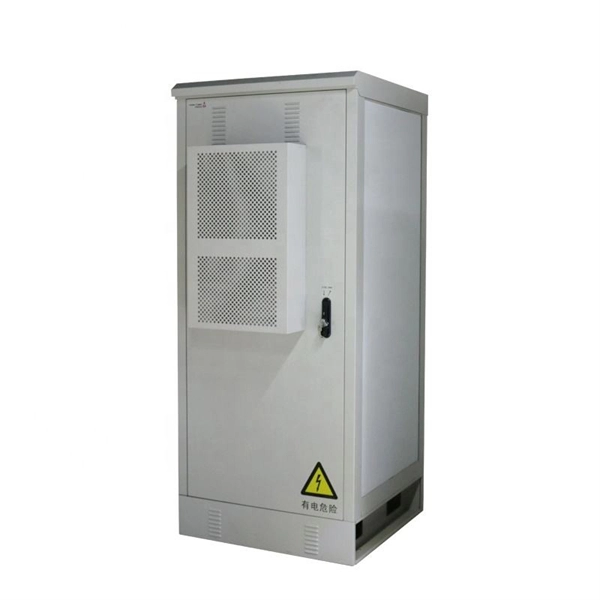
In this guide, we''ll break down the fiber installation process from start to finish and explain key components such as fiber cabinets, flower pods, ducting, and ONT setup.
Best routers for fiber internet 2025: our top picks for fast broadband
Selecting a single router can be challenging, as there are most likely many that fit the requirements you want. We''ve done the research for you and put together this in-depth guide that
Fiber Internet Installation Guide | BroadbandSearch
Once your connection is verified, where you place your router determines how well that speed reaches every room — see our guide to the best place to set up your router for placement tips
How to Connect Fiber Optic Cable to Router: Top 5
Learn how to connect fiber optic cable to router with our step-by-step guide. Optimize your home network for speed and reliability!
Optimize Fiber Internet Speed
Optimize your fiber-optic internet with tips on hardware, router placement, and troubleshooting for top speeds.
What You Need to Install Fiber-Optic Internet
Let''s take a closer look at each one. Locate your fiber network terminal In order to install your own fiber internet, you first need to have an
Residential Fiber Installation: How to Set Up Your Router
With the help of one of our Network Engineers, this video will walk you through the final step and show you how to set up your Wi-Fi router once your home is connected to our network.
Fiber Optic Router — Everything You Need to Know
Learn what are the best fiber optic router in the market today and how does it work with your internet connection.
Fiber Internet Installation Guide | BroadbandSearch
If you''re curious about different types of internet connections, understanding fiber''s advantages can help you appreciate why this installation process is more involved than traditional
Easy Fiber Internet Setup: Your Complete HomeLinkd
With your fiber optic internet connection set up, you can enjoy faster download and upload speeds, smoother streaming, and better online gaming. Fiber optic
How to Set Up Your Own Fiber Network
Are you ready to embark on the journey of setting up your very own Fiber Network using PON (Passive Optical Network)? Fiber optics provide blazing fast internet speeds and unmatched reliability
Optic fiber connection setup with Glasfaser Modem 2
I have a fiber connection MagentaZuhause XXL via Glasfaser Modem 2 and I would like to use it with my own WiFi router instead if SpeedPort. My router is capable
Related Video Reference
This video was associated with the source search result. Verify technical details against current product documentation and project requirements.