
Fiber Optic Switch A Comprehensive Guide
Search optical fiber, connectivity, cable management and network infrastructure references.
- Fiber
- Optic
- Switch
Articles and technical references
9 on this page-
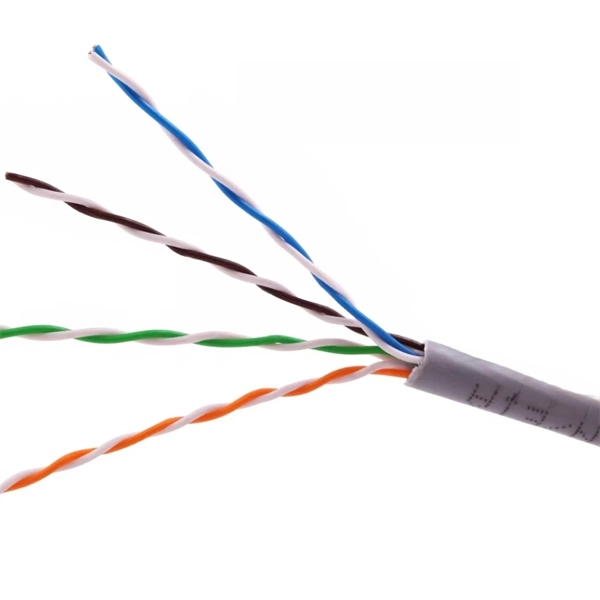
Comprehensive Guide to Fiber Optic Cable Tray Installation
Fiber Cable Tray System Always use a miter box to ensure perpendicular cuts. Place the tray in the miter box upside down. Apply light pressure to the saw a.
[PDF Version]
-
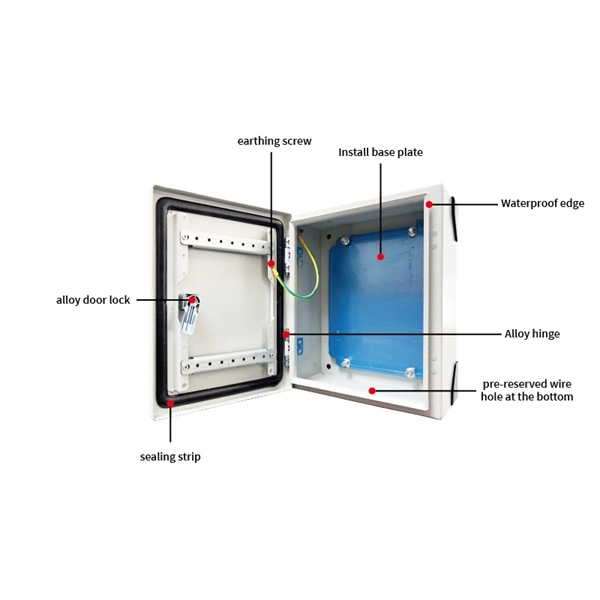
Can fiber optic patch cords be directly plugged into the optical ports of a switch
A patchcord, also known as a fiber optic patch cable or fiber optic jumper, is a fiber optic cable used to connect optical devices. You plug it into a switch, router, or patch panel. During the installation at the point where the fiber cable has to be plugged and/or unplugged...
-
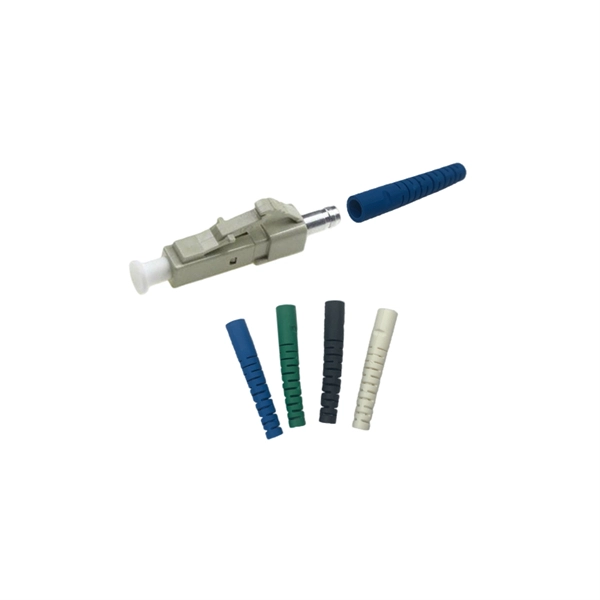
24-port fiber optic switch is network manageable
The fiber optic switch 24 port excels in network management through its comprehensive suite of control features. Cisco MDS 9124V 64-Gbps 24-Port Fibre Channel switch brings the latest high-performance, low-latency Fibre Channel Storage Area Network (SAN) technology to market...
[PDF Version]
-
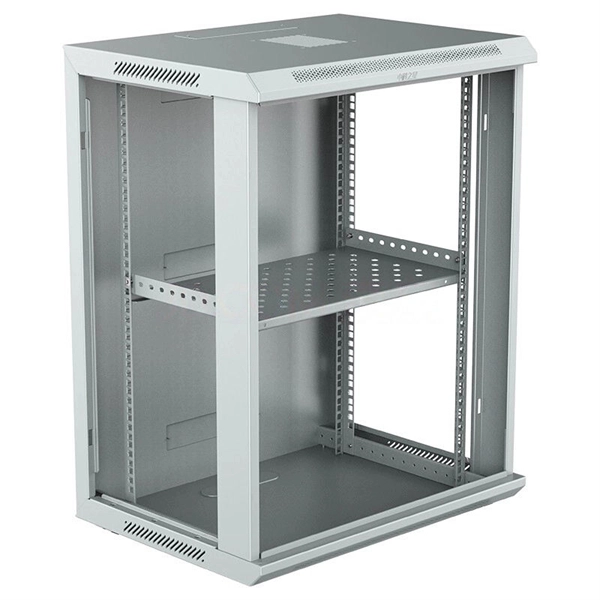
How to configure a fiber optic 48 switch
Learn how to set up and configure your UniFi Switch US-48, a managed PoE+ gigabit switch with SFP+ ports. This quick start guide covers installation, system requirements, network topology, and hardware overview. Ideal for users looking to optimize their network. The switch is...
[PDF Version]
-
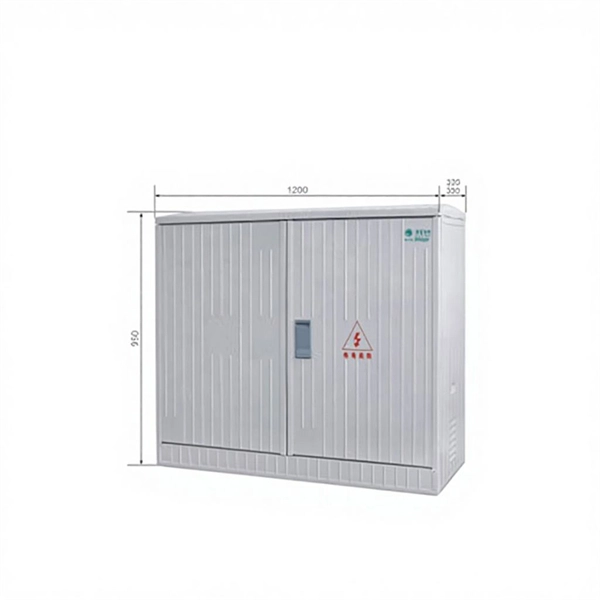
Fiber Optic Switch Trunking
Fiber trunks are pre-terminated cable assemblies connecting switches, servers, patch panels, and zone distribution areas in the data center, or serving as the backbone of enterprise fiber networks. Fiber-optic switches control light paths within fiber optics, ranging from...
[PDF Version]
-
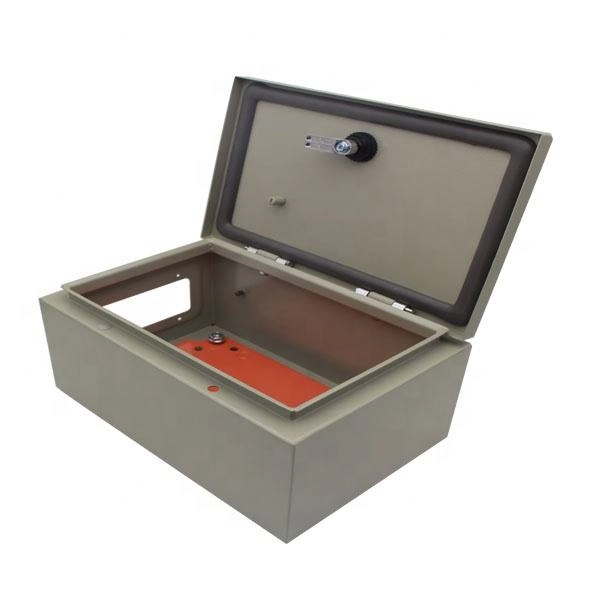
Fiber optic switch restart and power off
Turn off the device using the power button. Then, plug it back in and turn it back on. During the switch's boot process, all panel lights may remain off. Port Link/ACT Light: An LED indicating the. A power cycle, also known as a reboot, is the simplest way to reset your ONT...
-
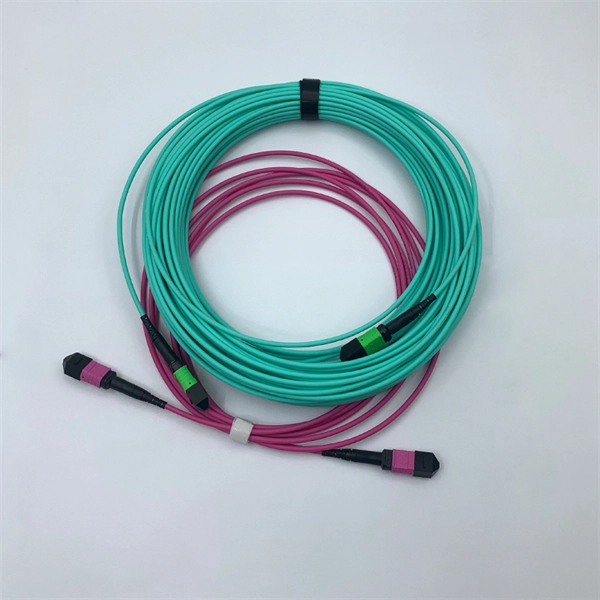
What kind of switch is needed for a 100m fiber optic connection
Most modern fiber-enabled network switches require an SFP transceiver module featuring a duplex (two strand) multimode OM3 or duplex single mode OS2 connection with LC connectors. Direct attach cables with pre-terminated SFP connections may also be used. Fiber provides...
[PDF Version]
-
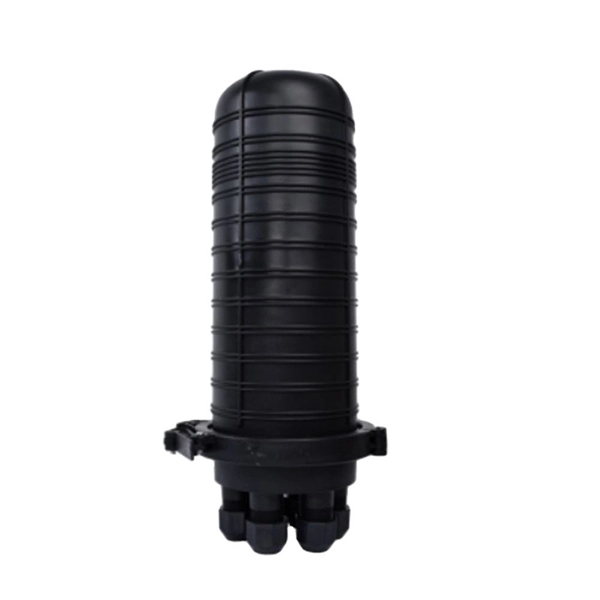
Does the fiber optic switch need configuration
Once the physical connections are made, configure the network switch to recognize and use the fiber optic connection. This may involve setting network parameters such as IP addresses, VLANs, or other network configurations depending on the complexity of the network. Small and...
[PDF Version]
-
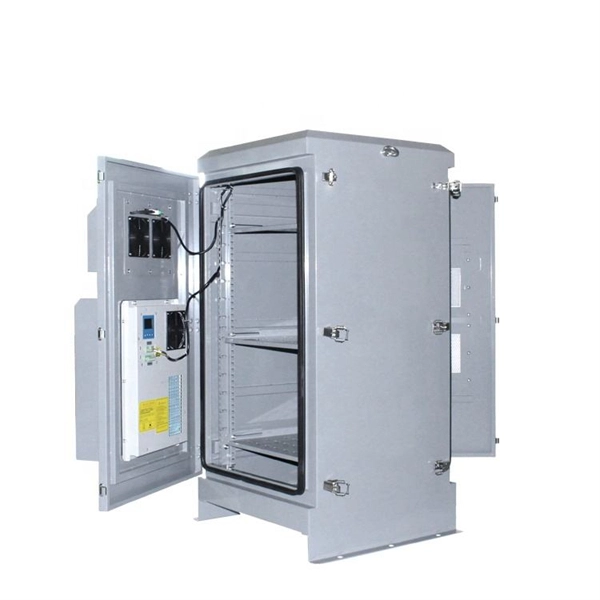
Fiber Optic Switch Configuration Step 6
If you're configuring fiber optics, you'll likely need to create a specific VLAN for fiber optics. To do this, enter the command "copy running-config startup-config" in the terminal. Step 2: Log in to the switch using a terminal client such as PuTTY. Enter the. Cisco Nexus...
[PDF Version]