
How Do You Connect A Patch Panel Yourself For A Clear Network
Search optical fiber, connectivity, cable management and network infrastructure references.
- Connect
- Patch
- Panel
Articles and technical references
9 on this page-
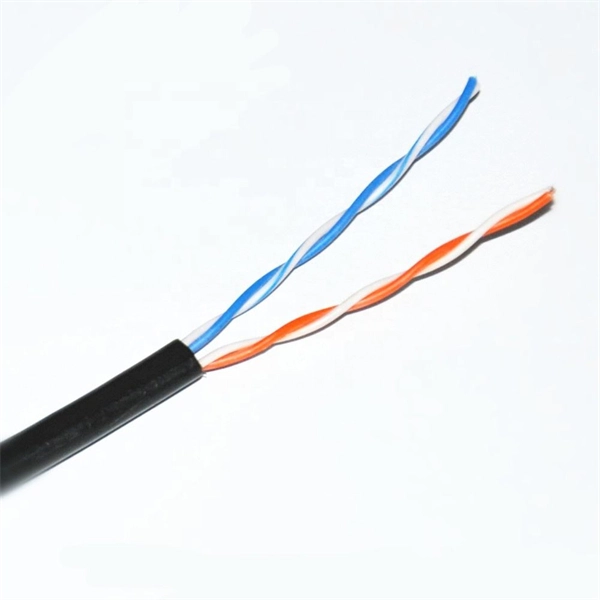
How to connect a multi-port fiber optic patch panel
To connect fiber optic cables to a patch panel: Prepare the fiber optic cable ends by stripping the protective jacket and buffer tubes. Insert the fiber ends into the appropriate ports or adapters on the patch panel. Fiber Optic Patch Panel Explaination Fiber optic patch...
[PDF Version]
-
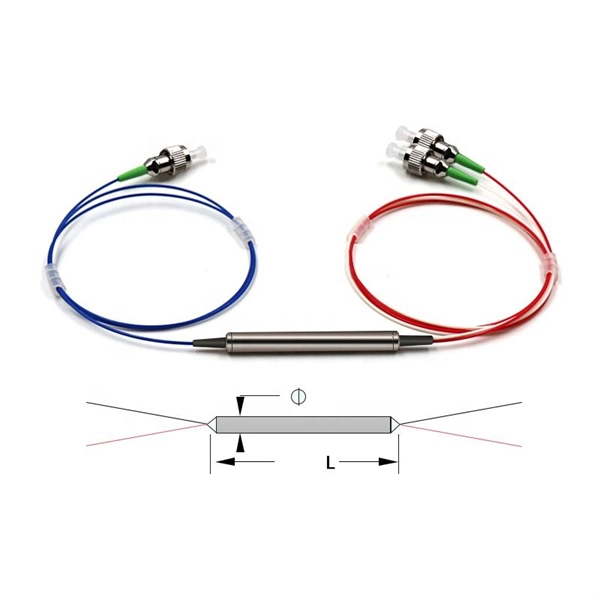
How to connect the junction box to the patch panel
Connections can be arranged with an input and output either side of a box, which is ideal for a free-standing junction box. Multi-channel junction boxes, also known as patch panels are widely used in vibration shaker installations to provide a neat interface between shaker...
[PDF Version]
-
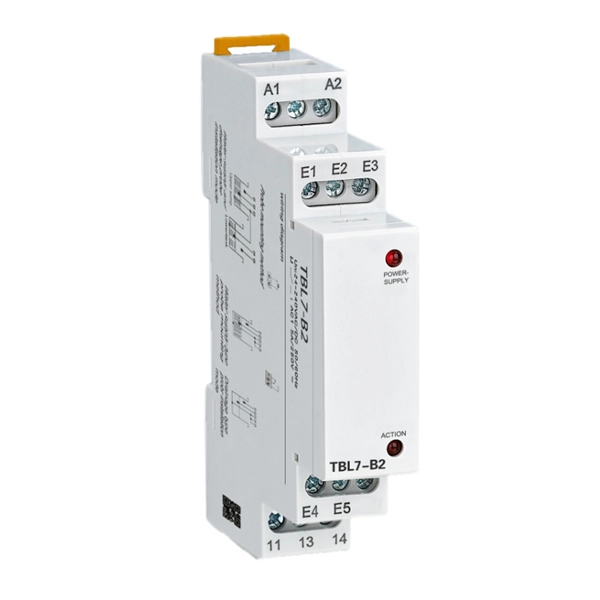
How to connect a fiber optic patch panel and its price
Understanding Fiber Patch Panels: A Comprehensive Explore ascentoptics about fiber patch panels in our guide. Learn applications, benefits, and choose the.
[PDF Version]
-
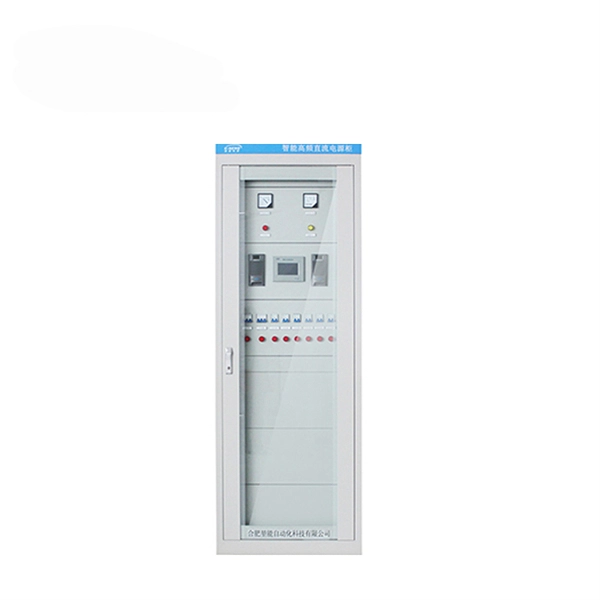
How to connect the fiber optic patch cord port
Identify the correct port on your patch panel or equipment based on the network design. You can put in a fibre patch cord at home. Fibre patch cords last longer and are tougher than. Correct patch-cord installation is essential for maintaining low insertion loss, stable...
[PDF Version]
-
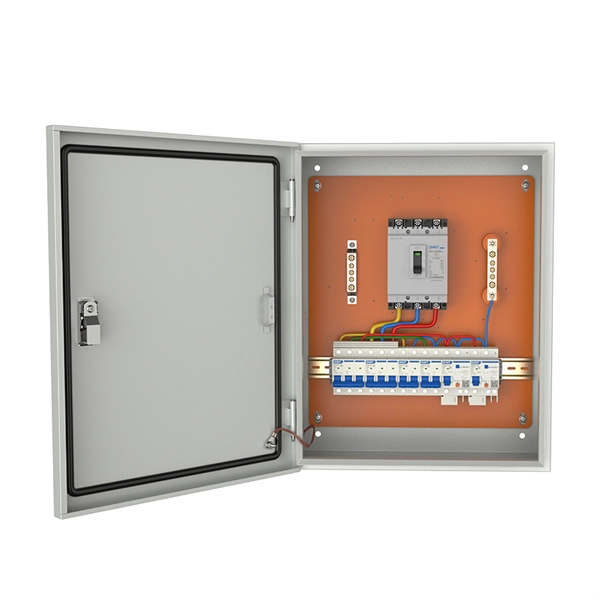
How to connect a fiber optic patch cord holder
Remove the dust caps on the connectors of optical modules and fiber optic patch cords respectively, and save the spare. Tie the fiber optic cable section with a tie and fix it, shape it to protect the patch. You can put in a fibre patch cord at home. Planning helps you pick...
-
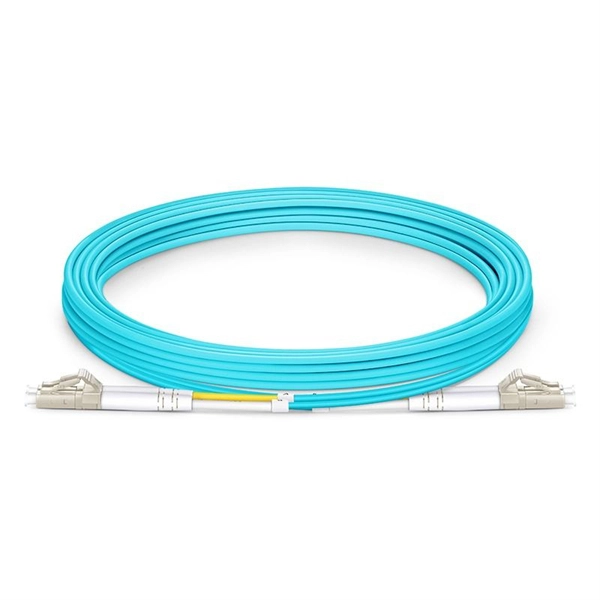
How to connect a fiber optic patch cable to a router
Router Connection: Begin by inserting the fiber cable into the router. Why Use Fiber Optic Internet? Before diving into the setup, let's quickly recap why fiber optics are worth the effort: Lightning-fast speeds (up to 1 Gbps or higher). Low latency for. The process to...
-
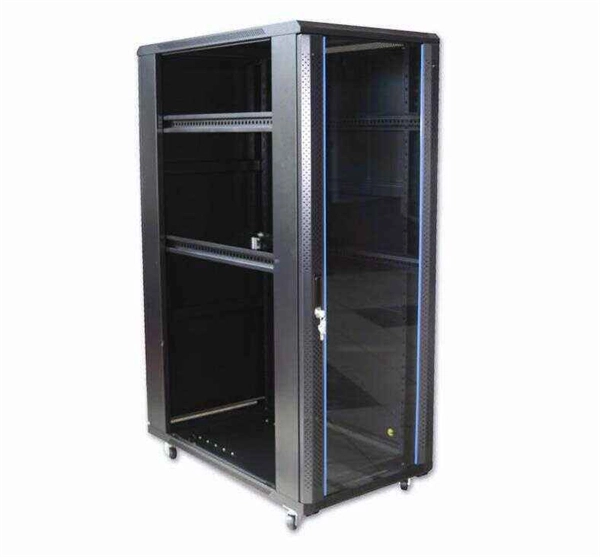
How to test the quality of a network patch panel
To test a patch panel, you will need the following tools: Cable Tester: A device that checks the continuity, wiring configuration, and signal quality of network cables. Punch Down Tool: Used to connect wires to the patch panel. Proper testing helps in identifying issues such...
[PDF Version]
-
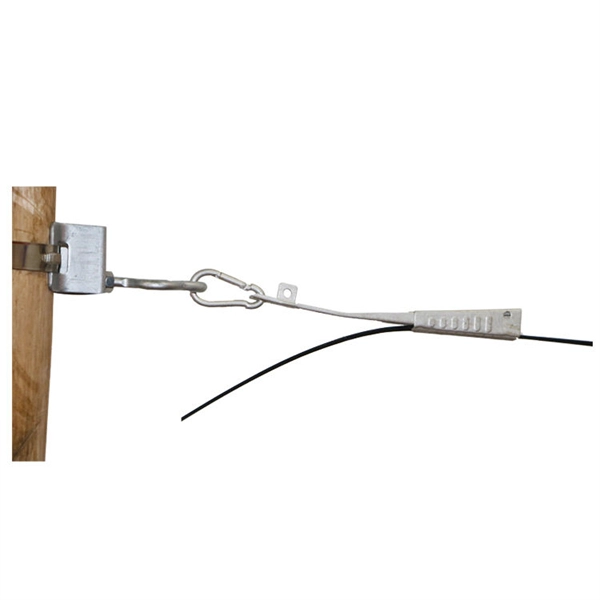
How to connect a two-core fiber optic cable to a fiber optic panel
The ideal structure for connecting two fiber cables is as follows: Cable A → Adapter Panel → Patch Cord → Adapter Panel → Cable B How It Works Fiber Adapters: Bridge the two connector types (e., SC to LC, or SC to SC). Patch Cords: Provide a short, flexible link between. This...
[PDF Version]
-
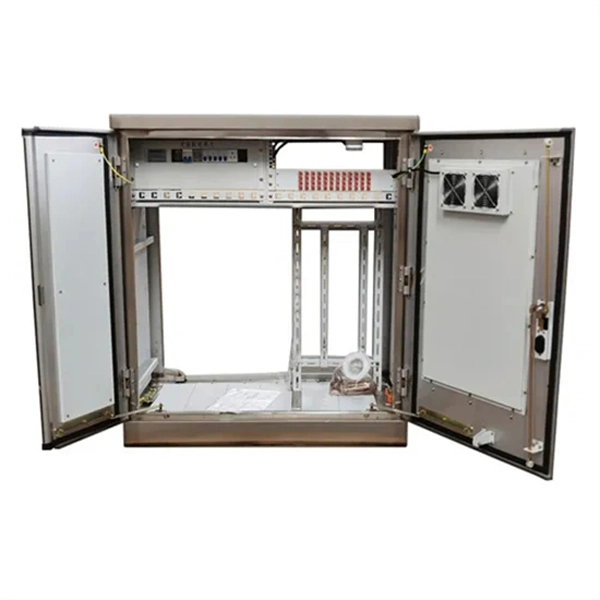
How many ports does a 24-port network patch panel have
This patch panel enables quick, easy cable patching. Just plug Cat5e cables into its 24 front RJ45 ports, and use a 110 or Krone punch-down tool (do not use a 4/5 pair 110 punch-down tool) to terminate color-coded connections in the rear. This 24-port universal 568A/B...
[PDF Version]