
What is a WiFi spectrum analyzer?
A WiFi spectrum analyzer is a software application or a physical device that measures WiFi signals and provides detailed information about them to...
Search optical fiber, connectivity, cable management and network infrastructure references.
Discover the invisible world of wireless with spectrum analysisWith a spectrum analyzer, you can verify that your communication systems are doing what they.
[PDF Version]A WiFi spectrum analyzer is a software application or a physical device that measures WiFi signals and provides detailed information about them to...
A WiFi analyzer is used to measure known wireless signals, while a spectrum analyzer is used to measure signal characteristics such as power level,...
There are many different WiFi analyzers to choose from, some targeting regular home users, while others focusing exclusively on professionals. NetS...
Analyzing Data using Eye Diagrams With eye diagrams you can see signal quality with one display, you can diagnose problems, such as attenuation, noise, jit.
[PDF Version]
Adding a Cable Tray or Conduit Branch After you draw your cable tray or conduit runs, you can add branches to connect the runs to form a complete network. You can use AutoCAD MEP snaps to help you locate valid connection points on the objects in your drawing. In the software...
[PDF Version]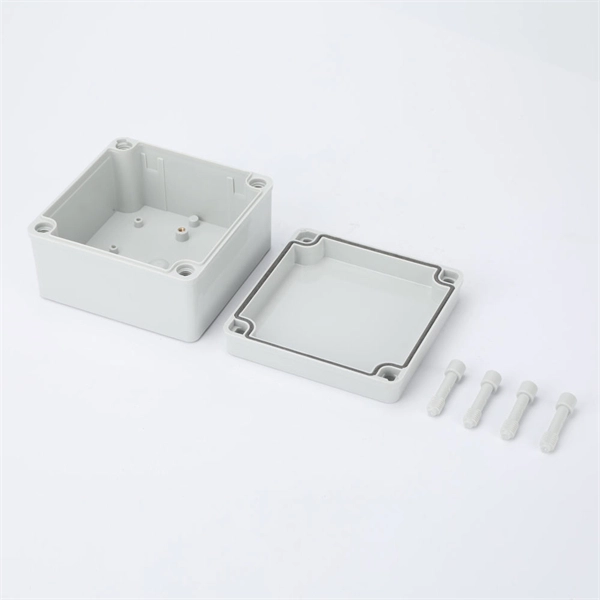
Smart light sensors detect natural or artificial light levels. In this guide, you'll learn the best spots to place your sensors, how to install them securely and how to get the best out of them. Smart light sensors rely on. Integrating a light sensor into your home automation...
[PDF Version]
XRF spectrometer EDX1800B is X-ray fluorescence analyzer designed for analysis of compliance with the RoHS / WEEE directive. Measurements are fast and fully non-destructive, so the device is suitable for the measurement of semi-finished and finished products. With its unique...
[PDF Version]
Connect an oscilloscope or multimeter to the output terminal of the optocoupler and observe the voltage change at the output terminal under the action of the input signal. It is the same as the method of measuring the diode. We'll explain how to measure AC and DC. An...
Learn how to operate a colorimeter with this step-by-step guide! This video walks you through the basics of setting up, calibrating, and using a colorimeter to measure absorbance/ optical density, transmittance of colored samples. It achieves this by determining how much...
[PDF Version]
Polyethylene tape is the most common option for waterproofing a junction box. Waterproofing a junction box is a necessary step when installing any electrical wiring in a home, garage, or other location. This is to protect from the ingress of liquids & solids. Electrical...
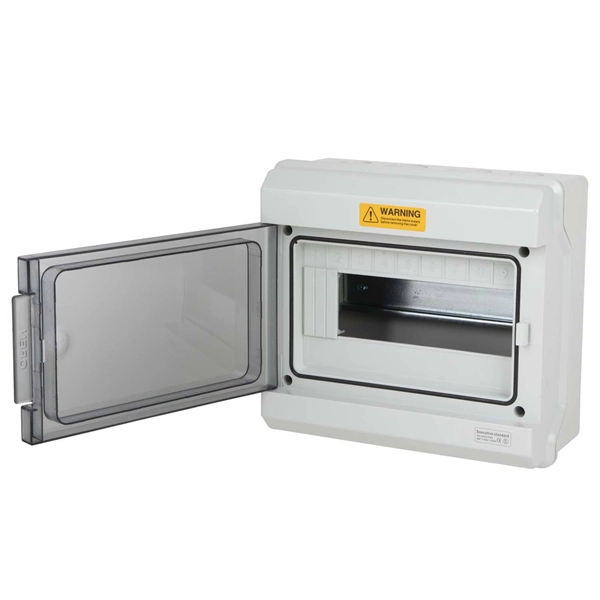
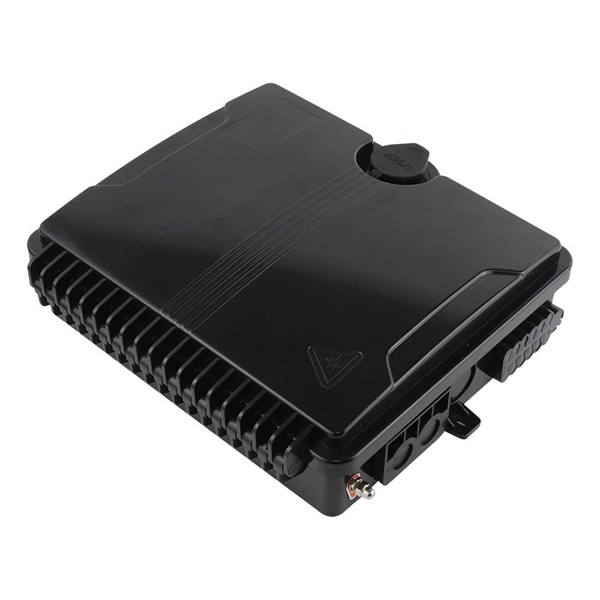
This user manual provides step-by-step instructions and usage information, including the required installation tools and accessories. Ensure a secure installation with enough buffer size for optimal performance. Get the most out of your optic terminal box with this...
[PDF Version]Share the fiber interfaces, termination capacity, cable route and evidence required for handover.