
Technical notes
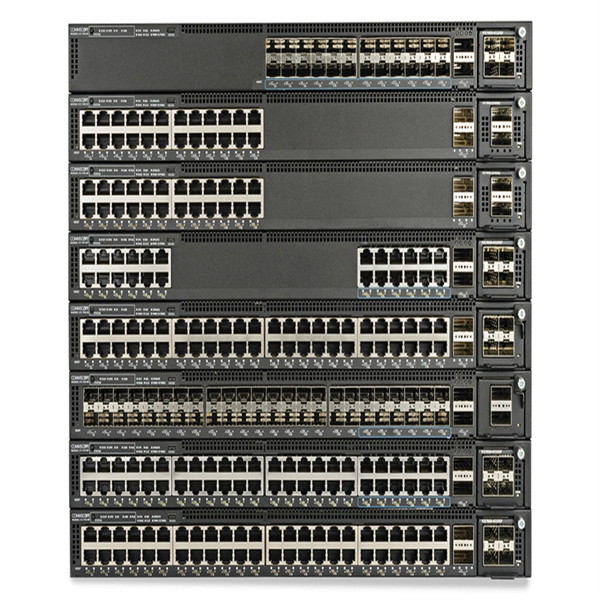
How to use the optical port on a Huijue switch
When the transmit/receive power of the optical ports is too high, optical modules on the ports may be damaged. In this case, connect an attenuator to the optical modules.
Huijue module automatically shuts down optical port
If an optical module that is not certified for Huawei data center switches is used, replace it with an optical module that is certified for Huawei Ethernet switches.
Typical Troubleshooting Cases of Optical Module
If possible, remove and reinstall the optical modules to check whether the fault is rectified. If the fault persists, run the reboot command to restart the switch or power cycle the switch, and check whether
What s wrong with the optical port on the Huijue switch
The first thing you should do is re-plug the optical module into the switch slot and make sure it is firmly inserted. If the problem persists, please check the compatibility of the optical module
Optical Module Application: Common Problems & Troubleshooting
Based on typical issues encountered with optical modules in daily switch applications, this document summarizes basic troubleshooting steps for resolving common faults:
Information About an Optical Module Cannot Be Read
Check whether the optical module has been certified for Huawei Ethernet devices. If not, contact the supplier of the optical module. If possible, remove and reinstall the optical module to
Huijue optical module lights up normally
Solution: Check whether the working parameters, interface information and receiving and sending of the optical module are normal, and then check the optical fiber jumper, or try to replace the optical fiber
Optical Module Solutions for Huawei S5700/S5720 Series Switches
This article summarizes several solutions for using optical modules with switches and common problems encountered during usage, along with specific solutions.
Energy Storage Equipment, Energy storage solutions, Lithium battery
The Huijue Group''s Optical-storage-charging application scenario is a typical application of microgrid energy storage. The core consists of three parts - photovoltaic power generation, energy
How to Troubleshoot Optical Modules | Complete Guide for Stable
Learn how to troubleshoot optical modules step by step. Discover common causes of link failure, optical power issues, compatibility problems, and fiber troubleshooting tips.
Huijue Optical Module Code
Huijue Optical Module Code The tool streamlines the process and allows manufacturers to request and obtain Optical Product Codes online as well as process payment directly through the site.
What Is an Optical Module and Its FAQs (V200)
What Is an Optical Module and Its FAQs (V200) Describes what an optical module is and FAQs, including the fundamentals, appearance and structure, key performance counters, common types,
Checking the Optical Module Type
The optical module register is set incorrectly. Consequently, parameters and diagnostic information cannot be read or incorrectly read. The A0 registers of some non-certified optical modules are set
Huijue module automatically shuts down optical port
Confirm whether the optical transceiver on the down port is compatible with the device. Common incompatibilities between modules and devices include: The Replacing an optical module interrupts
Huijue Optical Module Threshold Parameters
Check the diagnostic information, which shows that the received optical power is low, with a threshold of -3 to -23. Troubleshoot the link, and if the link is normal, replace the optical. You can set HOME /
Information About an Optical Module Cannot Be Read
Information About an Optical Module Cannot Be Read Symptom Optical module information cannot be queried using the display interface transceiver verbose command in the
Checking the Working Modes
Procedure Run the display transceiver interface interface-type interface-number verbose command to view the optical module parameter settings. All the parameters of each optical module
Optical Module Troubleshooting
Optical Modules on the Local and Remote Devices Cannot Communicate Fault Description A switch is connected to a remote device through optical interfaces and optical fibers. The two optical ports are
Related Video Reference
This video was associated with the source search result. Verify technical details against current product documentation and project requirements.