
Network Switches Huawei Enterprise
Search optical fiber, connectivity, cable management and network infrastructure references.
- Network
- Switches
- Huawei
Articles and technical references
7 on this page-
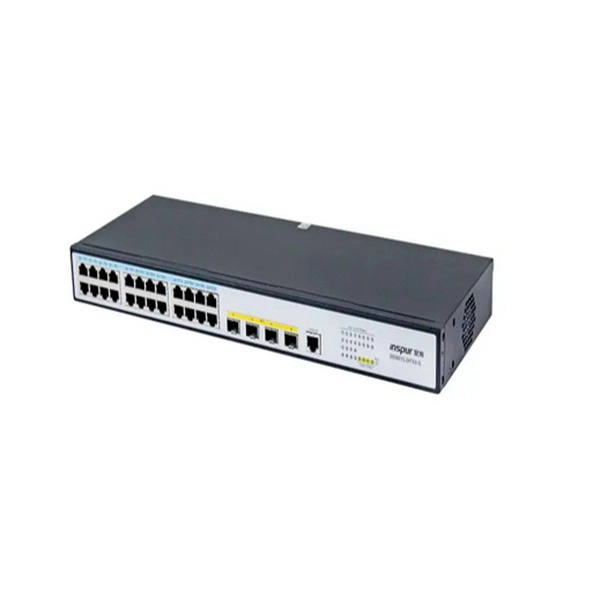
Steps to set up an enterprise network cabinet
This guide provides essential best practices for server rack setup and organization, covering steps for effective installation, cable management, standards compliance, power distribution, cooling methods, and security measures. Network Rack & Cabinet Installation is a...
-
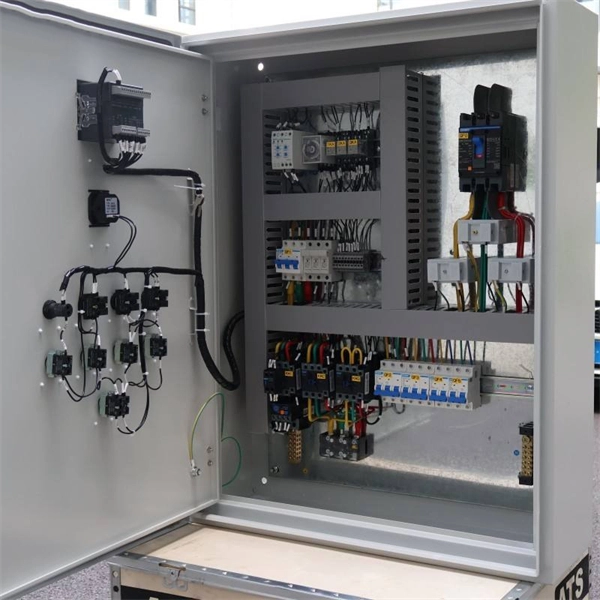
Adding IPs to Huawei Core Switches
Learn how to configure VLAN and assign IP addresses on a Huawei Switch step by step. Perfect for beginners and netw. moreIn this scenario, IP addresses of the interfaces connecting the core switch to the BRASs and firewalls and OSPF need to be configured on the core switch...
[PDF Version]
-

Huawei Adds Access Switches
The S6700 series switches (S6700s) are next-generation 10G box switches. Access devices downstream to the core layer can automatically go online through Zero Touch Provisioning (ZTP). Mode 1: Import information using the network plan template. Consisting of four models...
[PDF Version]
-
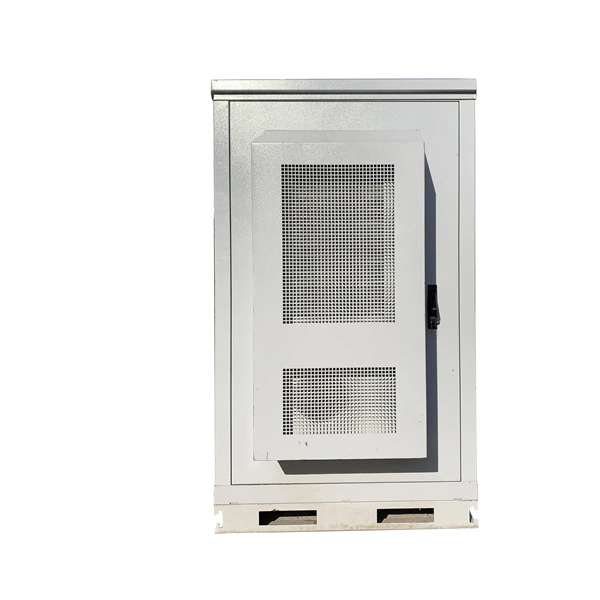
Batch VLAN Configuration for Huawei Core Switches
Run the vlan batch command in the system view to create VLANs in a batch. Create 10 contiguous VLANs: VLAN 11 to VLAN 20. You can create a maximum of 10 noncontiguous VLANs or VLAN. This document describes the configuration of Ethernet services, including configuring link...
[PDF Version]
-
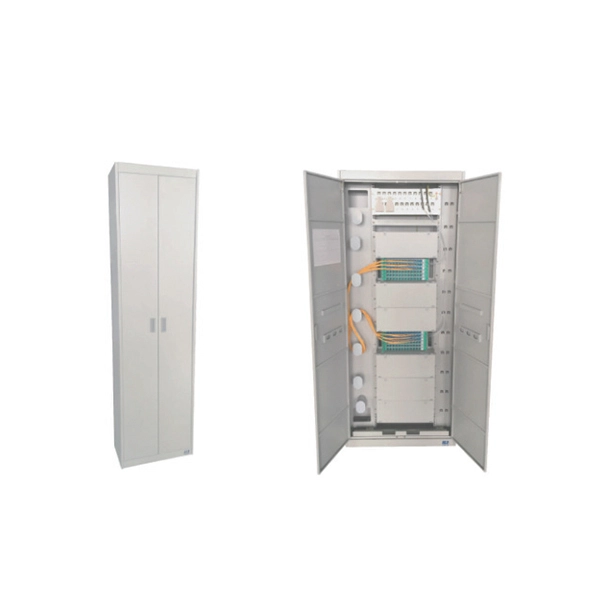
Mobile devices accessing Huawei switches
Interoperabilities Between Huawei Switches and Third-Party. This document provides guidance for configuring interoperation between Huawei switches and H3.
[PDF Version]
-
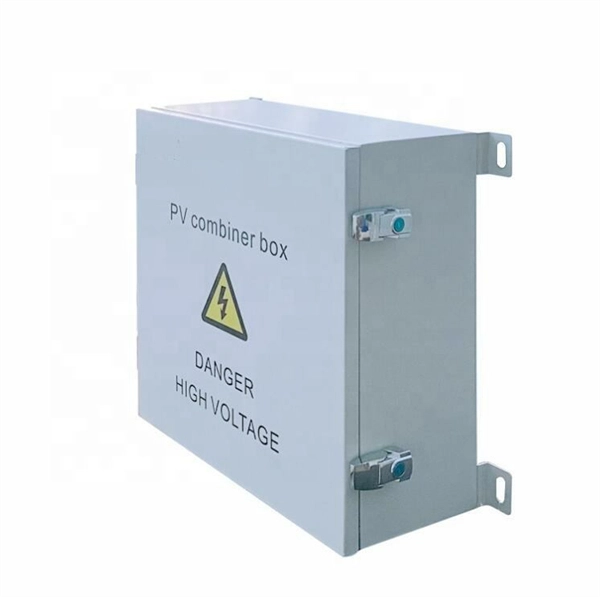
Intelligent Selection Guide for Carrier Backbone Optical Network Switches
Intelligent Selection Guide for Carrier Backbone Network-Grade Active. AITAF provides end‑to‑end optical communication solutions, structured cabling, ODN.
[PDF Version]
-
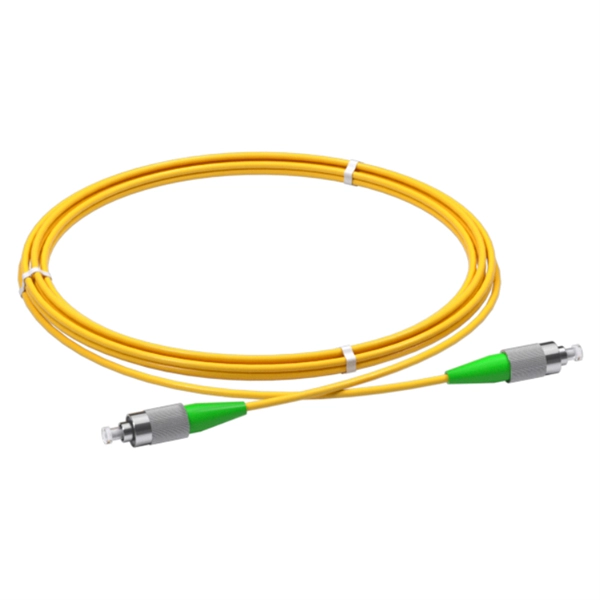
Huawei fiber optic connector has no network
No device connected to the router can access the Internet Learn about 'No device connected to the router can access the Internet'. Find all usage guide, tr.
[PDF Version]