
Redundant Switch Configuration For Small Network Rack
Search optical fiber, connectivity, cable management and network infrastructure references.
- Redundant
- Switch
- Configuration
Articles and technical references
10 on this page-
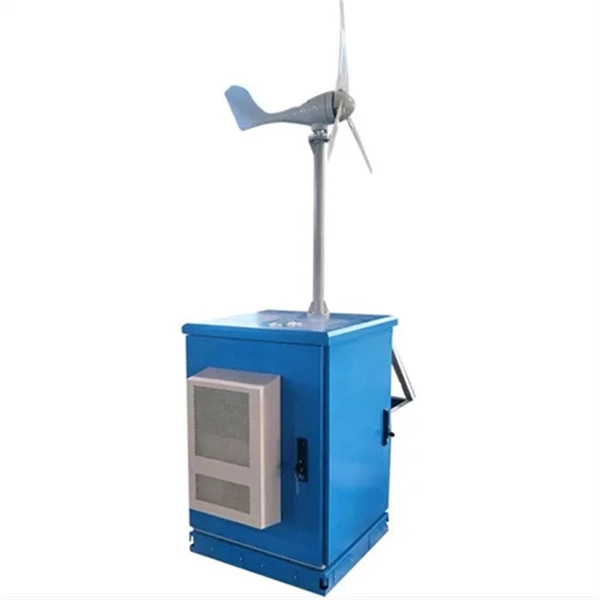
Industrial Communication Network Cable Switch
Industrial Ethernet switches offer Gigabit transmission speeds, various connection options, and are built to withstand extreme conditions including drastic temperature changes, electrical interference, and corrosion. SCALANCE offers a comprehensive portfolio of integrated...
[PDF Version]
-
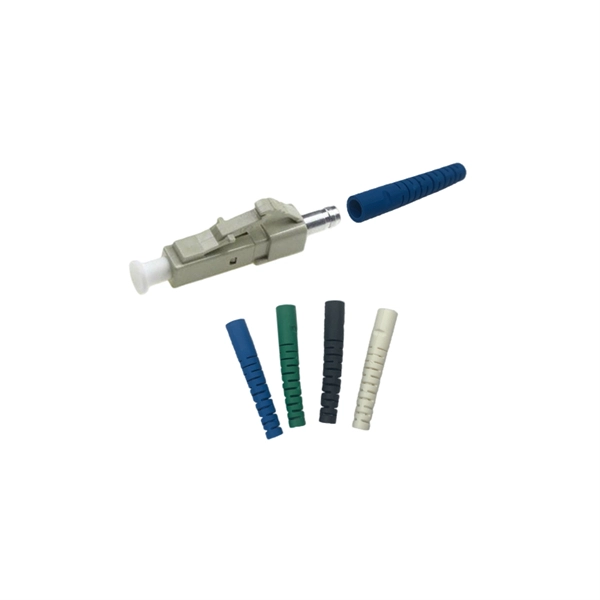
24-port fiber optic switch is network manageable
The fiber optic switch 24 port excels in network management through its comprehensive suite of control features. Cisco MDS 9124V 64-Gbps 24-Port Fibre Channel switch brings the latest high-performance, low-latency Fibre Channel Storage Area Network (SAN) technology to market...
[PDF Version]
-
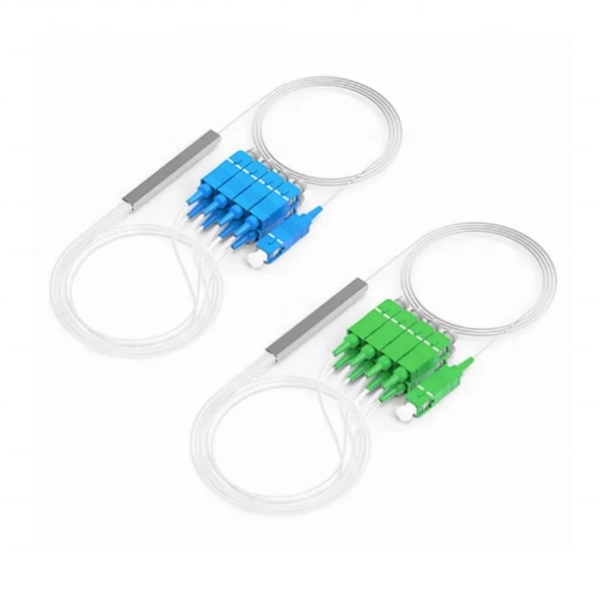
What is an industrial ring network switch group
The Ring Network Switch is a specialized networking device designed for ring topology networks, widely used in industrial communication. Its unique ring structure not only enhances network redundancy and reliability but also ensures efficient and stable data transmission...
[PDF Version]
-
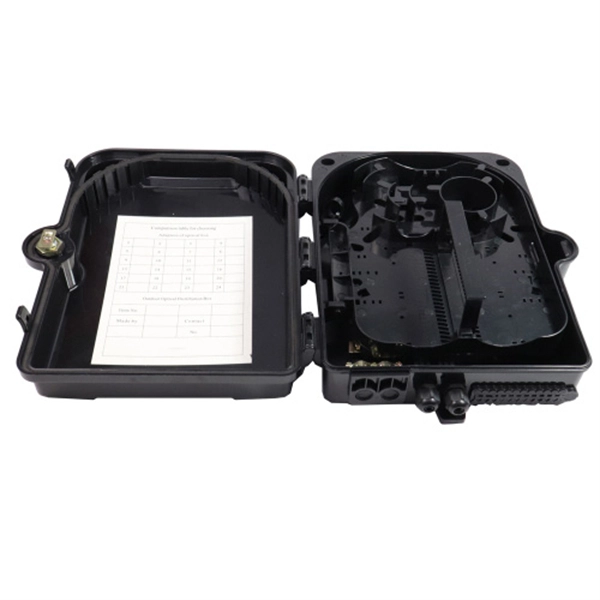
The network patch panel seems redundant
The short answer: reorganize the patch panel when the hardware is still appropriate and the main issue is cable discipline, labeling, or patch cord management. Question: Assuming that I want to connect 2 switches hosted in 2 different room in a datacenter. Each switch is...
[PDF Version]
-
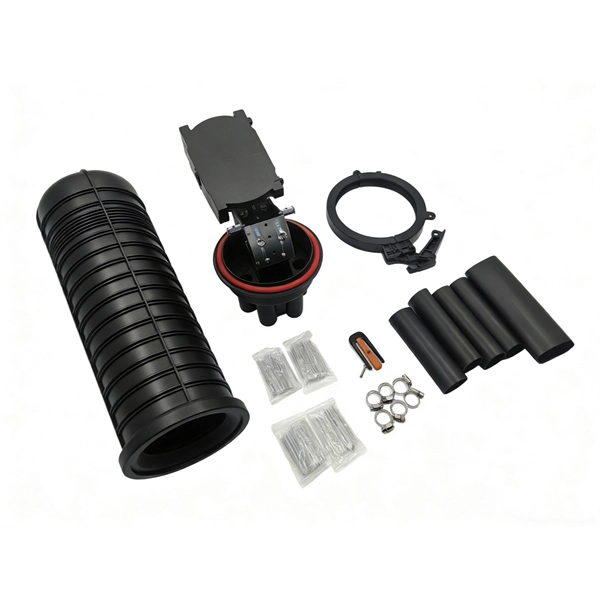
Slovenia Core Switch Configuration
Cisco switches are used in both small and large networks to manage traffic, control access, and provide the infrastructure for local area networks (LANs). Proper configuration ensures optimal performa.
-
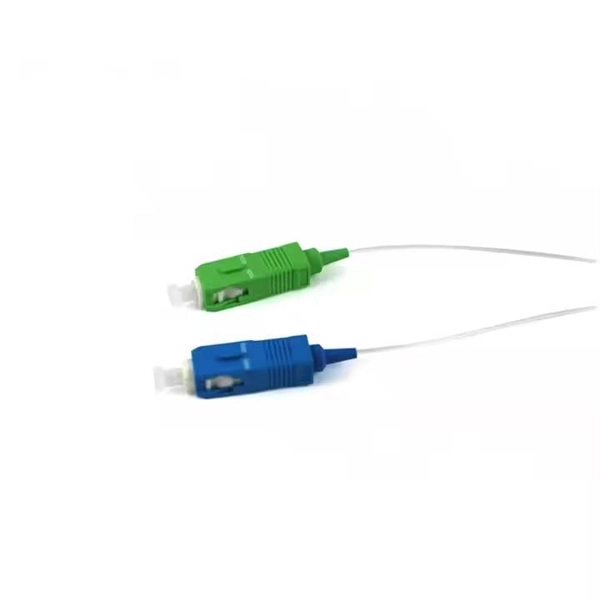
Connect the network cable from the PoE switch
You place the adapter between the switch and the PoE device: The adapter is power by a normal power cable. The latter cable will supply the. A PoE switch simplifies network installation by providing power and data transmission over a single Ethernet cable. In this blog, we...
[PDF Version]
-
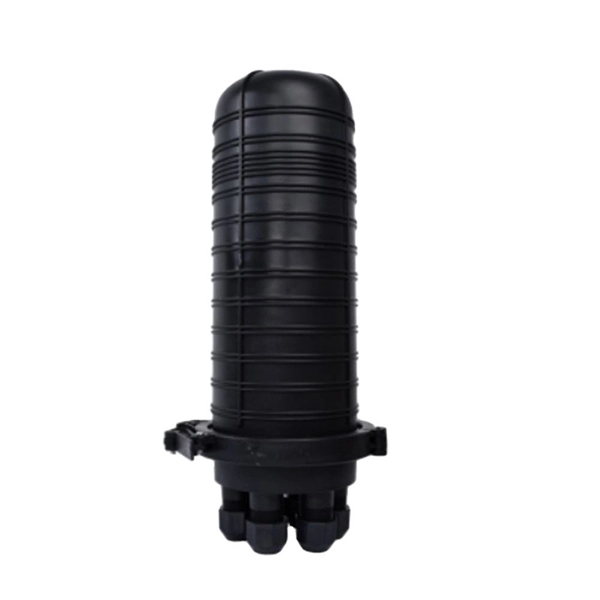
Does the fiber optic switch need configuration
Once the physical connections are made, configure the network switch to recognize and use the fiber optic connection. This may involve setting network parameters such as IP addresses, VLANs, or other network configurations depending on the complexity of the network. Small and...
[PDF Version]
-
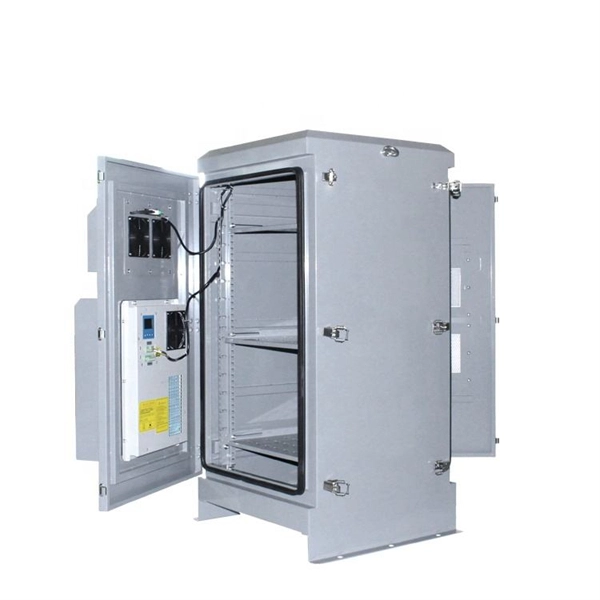
Fiber Optic Switch Configuration Step 6
If you're configuring fiber optics, you'll likely need to create a specific VLAN for fiber optics. To do this, enter the command "copy running-config startup-config" in the terminal. Step 2: Log in to the switch using a terminal client such as PuTTY. Enter the. Cisco Nexus...
[PDF Version]
-

4-port ring network fiber optic switch
This managed switch comes with Ethernet TCP/IP protocol. It comes with 4 copper cable transmission ports and 1 port for single-mode fiber optic. It provides simple and complex connectivity for multiple Ethernet device, network management, enhanced cyber security. A fiber...
[PDF Version]
-
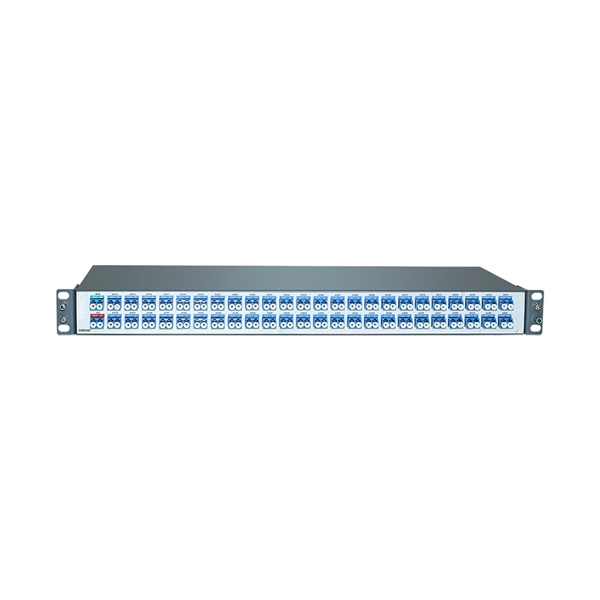
Ring network switch with 12 gigabit optical ports
【Port Configuration】: 12 Ports Optical Fiber Ethernet Gigabit Switch equipped with 8 10/100/1000BASE-T ports and 4 1000Base-X SFP ports. RJ45 ports support full/half-duplex, auto-negotiation, auto-MDI/MDI; 1000Base-X SFP Port supports 1 or 2 cores of single-mode or...
[PDF Version]