
How can one identify a broken fiber optic cable?
To identify a broken fiber optic cable, start by performing a visual inspection for any physical signs of damage, such as bends, cracks, or breaks...
Search optical fiber, connectivity, cable management and network infrastructure references.
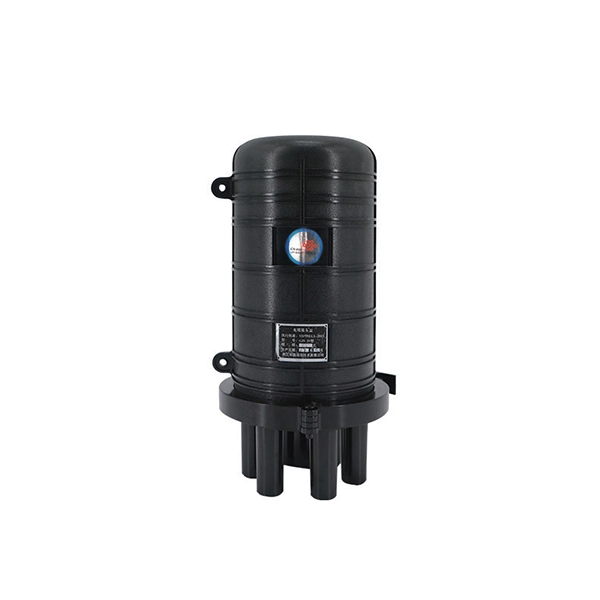
Check Fiber Cables : Look for visible damage, sharp bends, or loose connectors. Clean Connectors : Use lint-free wipes and isopropyl alcohol to remove dust or oil. Fiber optic networks are the backbone of modern data centers and communication systems, valued for their high...
[PDF Version]To identify a broken fiber optic cable, start by performing a visual inspection for any physical signs of damage, such as bends, cracks, or breaks...
There are several methods to test fiber optic cables without a tester. One method is using a visual fault locator (VFL), as mentioned earlier, to v...
Intermittent fiber optic connections can be caused by a variety of factors, including: Poorly terminated connectors or splices that result in unsta...
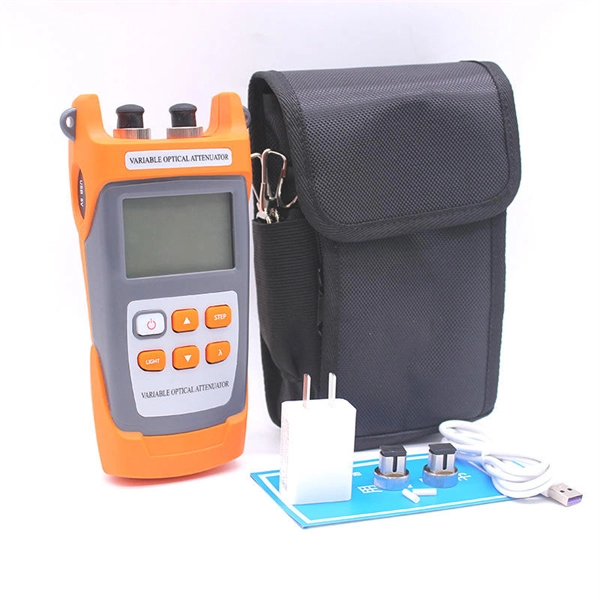
This guide provides a step-by-step approach to relay circuit troubleshooting, covering everything from identifying relay failure analysis to relay coil testing and addressing relay contact problems. Relay protection systems play a crucial role in detecting and isolating...
[PDF Version]
This problem usually comes down to one of five things: a bad local network setting, a router or modem issue, DNS failure, an IP address conflict, or a wider ISP outage. The good news is that Ethernet “connected but no internet” is usually fixable without replacing hardware...
[PDF Version]
optical module Troubleshooting and Common Problemsoptical module troubleshooting guide covering common faults, compatibility issues, optical link failures.
[PDF Version]
This comprehensive troubleshooting guide will help you identify, diagnose, and resolve common power supply problems. We'll cover everything from basic diagnostic procedures to advanced troubleshooting techniques, ensuring you can get your system back up and running quickly...
[PDF Version]
Relay Maintenance and Testing ERS provides turnkey solutions for maintaining and testing electromechanical, solid-state, and microprocessor-based relays, a.
[PDF Version]Share the fiber interfaces, termination capacity, cable route and evidence required for handover.